Category: 3D
-
Build a HTML5 “Helix Jump” prototype with Three.js and TypeScript – Step 4: scoring, animated CSS background and platforms fading away
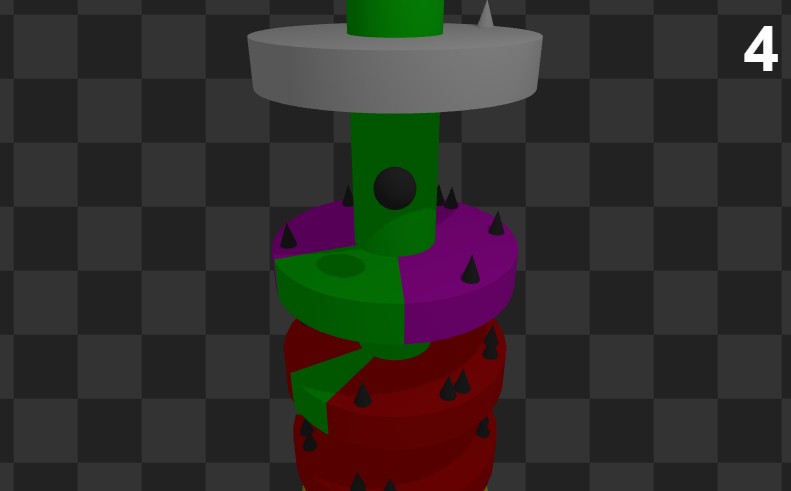
In the fourth step of the Helix Jump HTML5 prototype with Three.js and TypeScript, I added a clean CSS-based score display, a subtle animated background using only CSS, and made destroyed platforms fade out and fly away with GSAP. These visual touches make the game feel more alive, and as always, you get the full line-by-line commented source code for free.
-
Build a HTML5 “Helix Jump” prototype with Three.js and TypeScript – Step 3: adding spikes and using GSAP for camera tweening
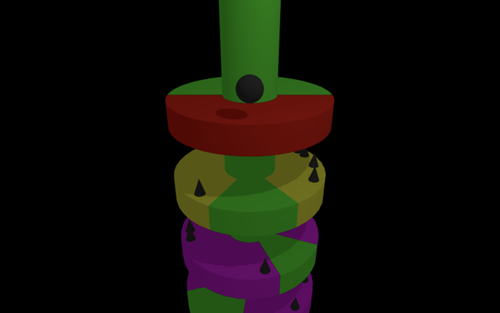
In this third step of my Helix Jump prototype with Three.js and TypeScript, I’m adding deadly spikes and animating the camera using GSAP for smoother transitions. As always, I’m sharing the full source code, commented line by line, completely free.
-
Build a HTML5 “Helix Jump” prototype with Three.js and TypeScript – Step 2: adding a bouncing ball with no physics engine
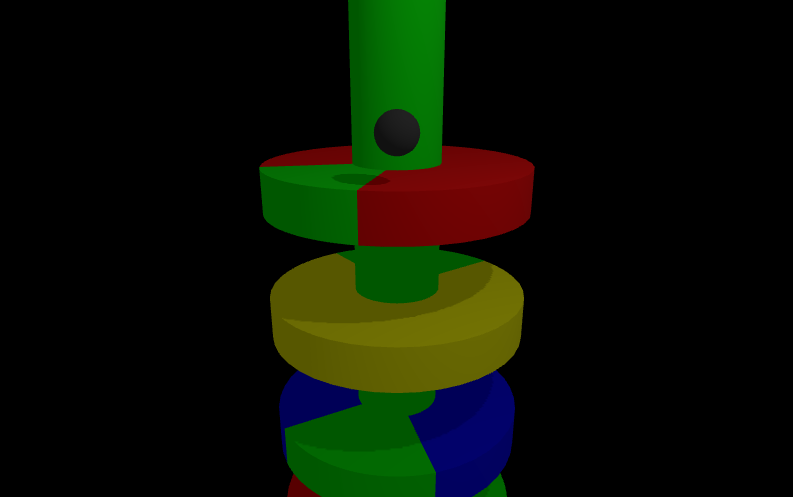
In this second step of my three.js HTML5 Helix Jump prototype, I added a bouncing ball, handled platform collisions and made platforms infinite. As always, you’ll find fully commented TypeScript source code.
-
Build a HTML5 “Helix Jump” prototype with Three.js and TypeScript
Build the foundation of a HTML5 "Helix Jump" game using Three.js, TypeScript, and Vite. Learn to create a rotating tower with sliced platforms and manage shadows and lighting, all with fully commented source code to guide you step by step.
-
Build a game like C64 classic Trailblazer in Three.js using TypeScript, with a lot of room for customization
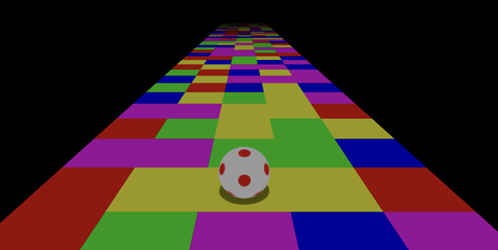
First step in the creation of a HTML5 Trailblazer game using Three.js and TypeScript. Track movement, fake shadow and controls. Commented source code available.
-
Playing with Phaser and Three.js: preload glTF 3d models, render them with Three then animate them with Phaser
Having the 2D power of Phaser and 3D GLTF models of Three.js is easy: look at this completely commented TypeScript tutorial, you should definitively use this combo in your next HTML5 game.
-
Build a 3D HTML5 game like “Stairs” using Phaser and Three.js – Step 6: final touches and settings to increase difficulty
In the 6th step of "Stairs" HTML5 prototype built with Phaser and Three.js I added options to automatically increase difficulty as players proceed in this endless runner. Full commented TypeScript source code to download for free.
-
Build a 3D HTML5 game like “Stairs” using Phaser and Three.js – Step 5: update to latest Three.js version, moving steps, bonuses to collect and more improvements
I am starting the new year with a massive update to HTML5 prototype of "Stairs" game built with Phaser and Three.js, written in Typescript. Moving steps, bonuses to collect, latest Three.js library and more. Full commented source code available for free.
-
Build a 3D HTML5 game like “Stairs” using Godot – Step 6: starting and dying with stile
In the 6th step of the creation of "Stairs" HTML5 game using Godot engine I am explaining how to wait for user input to start the game and how to die with style. Full commented source code available for free.
-
Build a 3D HTML5 game like “Stairs” using Godot – Step 5: better way to control the ball, check for collisions with spikes and check for the ball to fall down the steps
In the 5th step in the building of a HTML5 game like "Stairs" with Godot Engine, we add a virtual trackpad for a better ball control, check for the ball hit a spike or fall down the stair. Full commented project available to download.
-
Build a 3D HTML5 game like “Stairs” using Phaser and Three.js – Step 4: collision detection, better controls and level progression
Massive update of "Stairs" HTML5 3D game prototype, featuring collision detection without any physics engine, virtual trackpad to control the ball and level progression. Powered by Phaser and Three.js, written in TypeScript. Full commented source code available.
-
Build a 3D HTML5 game like “Stairs” using Godot – Step 4: controlling the ball with the mouse and adding more spikes
In the 4th step of the HTML5 prototype of "Stairs" game built with Godot, we'll see how to add more spikes and control the ball with the mouse. Full downloadable project with commented source code available.