Category: HTML5
-
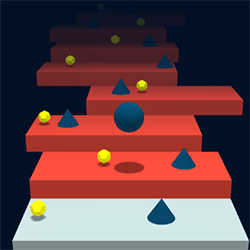
Build a 3D HTML5 game like “Stairs” using Phaser and Three.js – Step 6: final touches and settings to increase difficulty
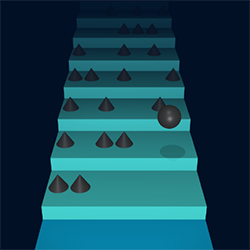
In the 6th step of "Stairs" HTML5 prototype built with Phaser and Three.js I added options to automatically increase difficulty as players proceed in this endless runner. Full commented TypeScript source code to download for free.
-
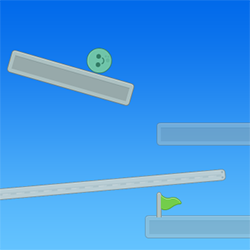
“Quick Switch” HTML5 prototype built with GDevelop
I am having fun with GDevelop so I decided to port another old Flash + Box2D game into a HMTL5 prototype: Quick Switch. Full project available to download.
-
“Totem Destroyer” HTML5 prototype built with free no code tool GDevelop
Look how I built a HTML5 prototype of the famous "Totem Destroyer" Flash game in a matter of minutes using the free no code tool GDevelop. Graphics assets by Kenney.
-
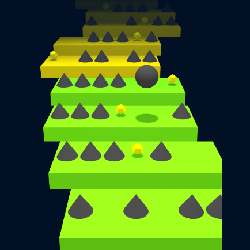
Build a 3D HTML5 game like “Stairs” using Phaser and Three.js – Step 5: update to latest Three.js version, moving steps, bonuses to collect and more improvements
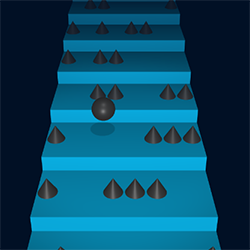
I am starting the new year with a massive update to HTML5 prototype of "Stairs" game built with Phaser and Three.js, written in Typescript. Moving steps, bonuses to collect, latest Three.js library and more. Full commented source code available for free.
-
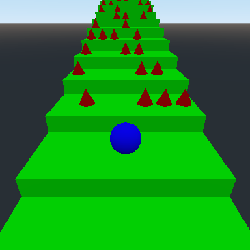
Build a 3D HTML5 game like “Stairs” using Godot – Step 6: starting and dying with stile
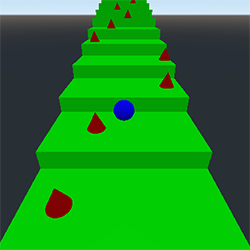
In the 6th step of the creation of "Stairs" HTML5 game using Godot engine I am explaining how to wait for user input to start the game and how to die with style. Full commented source code available for free.
-
Build a 3D HTML5 game like “Stairs” using Godot – Step 5: better way to control the ball, check for collisions with spikes and check for the ball to fall down the steps
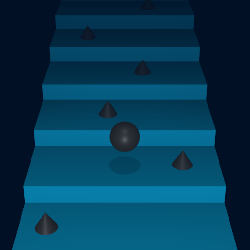
In the 5th step in the building of a HTML5 game like "Stairs" with Godot Engine, we add a virtual trackpad for a better ball control, check for the ball hit a spike or fall down the stair. Full commented project available to download.
-
Build a 3D HTML5 game like “Stairs” using Phaser and Three.js – Step 4: collision detection, better controls and level progression
Massive update of "Stairs" HTML5 3D game prototype, featuring collision detection without any physics engine, virtual trackpad to control the ball and level progression. Powered by Phaser and Three.js, written in TypeScript. Full commented source code available.
-
Build a 3D HTML5 game like “Stairs” using Godot – Step 4: controlling the ball with the mouse and adding more spikes
In the 4th step of the HTML5 prototype of "Stairs" game built with Godot, we'll see how to add more spikes and control the ball with the mouse. Full downloadable project with commented source code available.
-
Build a 3D HTML5 game like “Stairs” using Phaser and Three.js – Step 3: controlling the bouncing ball and adding more spikes
In the 3rd step of "Stairs" HTML5 game powered by Phaser and Three.js, I'll show you how to control the ball with mouse and add more spikes. Full commented TypeScript source code available.
-
Build a 3D HTML5 game like “Stairs” using Godot – Step 3: adding the bouncing ball using only trigonometry
In this 3rd step of "Stairs" HTML5 prototype build with Godot, we'll see how to add a bouncing ball with no physics, just faking the movement with trigonometry. Full project available for download.
-
Build a 3D HTML5 game like “Stairs” using Phaser and Three.js – Step 2: adding the bouncing ball just using trigonometry
In this second step of "Stairs" HTML5 protoype built with Phaser and Three.js we'll see how to add a bouncing ball with no physics engines, just using trigonometry. Full commented source code available, written in TypeScript.
-
Build a 3D HTML5 game like “Stairs” using Godot – Step 2: adding endless randomly placed spikes and assigning materials to meshes
Second step about the creation of a HTML5 game like "Stairs" using Godot. How to assign material to objects and add infinite randomly generated spikes. Detailed tutorial with 15 pictures and commented source code.